Document Imaging Software
Low to High-Volume Scanning and Automation
Auto-Document Classification
What kind of document did you just scan in?
Is it an invoice?
As a front-end system CapturePoint can simplify the way you process invoices. In companies with a larger accounts payable department this can be the difference between hiring additional dedicated processing staff, or gaining efficiencies that let you be more productive and reduce overhead.
What about patient records?
The vast paperwork associated with the health care industry all but necessitates a more efficient, streamlined system for organizing everything from patient records to HIPAA forms or examination notes. Ademero’s Document Scanning Software systems are the go-to solutions for today’s healthcare industry.
Or legal and insurance documents?
Besides automatically identifying the types of documents within the mountains of paperwork in the legal document realm that also demand the identification of matter numbers and filing to the appropriate case structure, CapturePoint can also take care of employment applications, health insurance claims, tax forms, and a whole host of internal document processing.
Document Type Recognition
CapturePoint Document Imaging Software begins by automatically classifying your documents. That means that it can understand the difference between an invoice for accounts payable, a proposal submitted by one of your vendors, or even a group of related documents and then sort, process, and route them intelligently without human interaction.
World-Class OCR Software
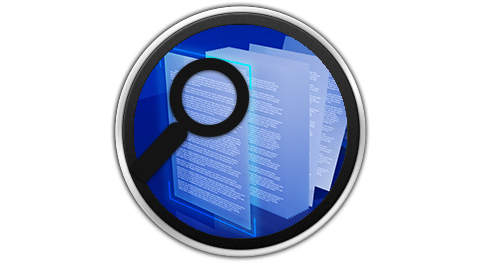
Scanning is not an exact science, which is why CapturePoint uses a world-renowned Optical Character Recognition [OCR] engine to process paper documents. It knows when a page is upside down, sideways – or just a little crooked. It reads the text and turns the document from a picture document into a fully-text-searchable document.
Ready to try it for yourself?
There’s no cost to get started. Download CapturePoint for FREE and get 1,000 scans to see the power first hand.
Handwriting Recognition
CapturePoint Document Scanning Software can also read and understand handwriting. This enables the system to read checks, hand-filled forms, applications, surveys, as well as verify the presence of specific words on a document to make logic-centered decisions on how to process the information.

Intelligent Indexing
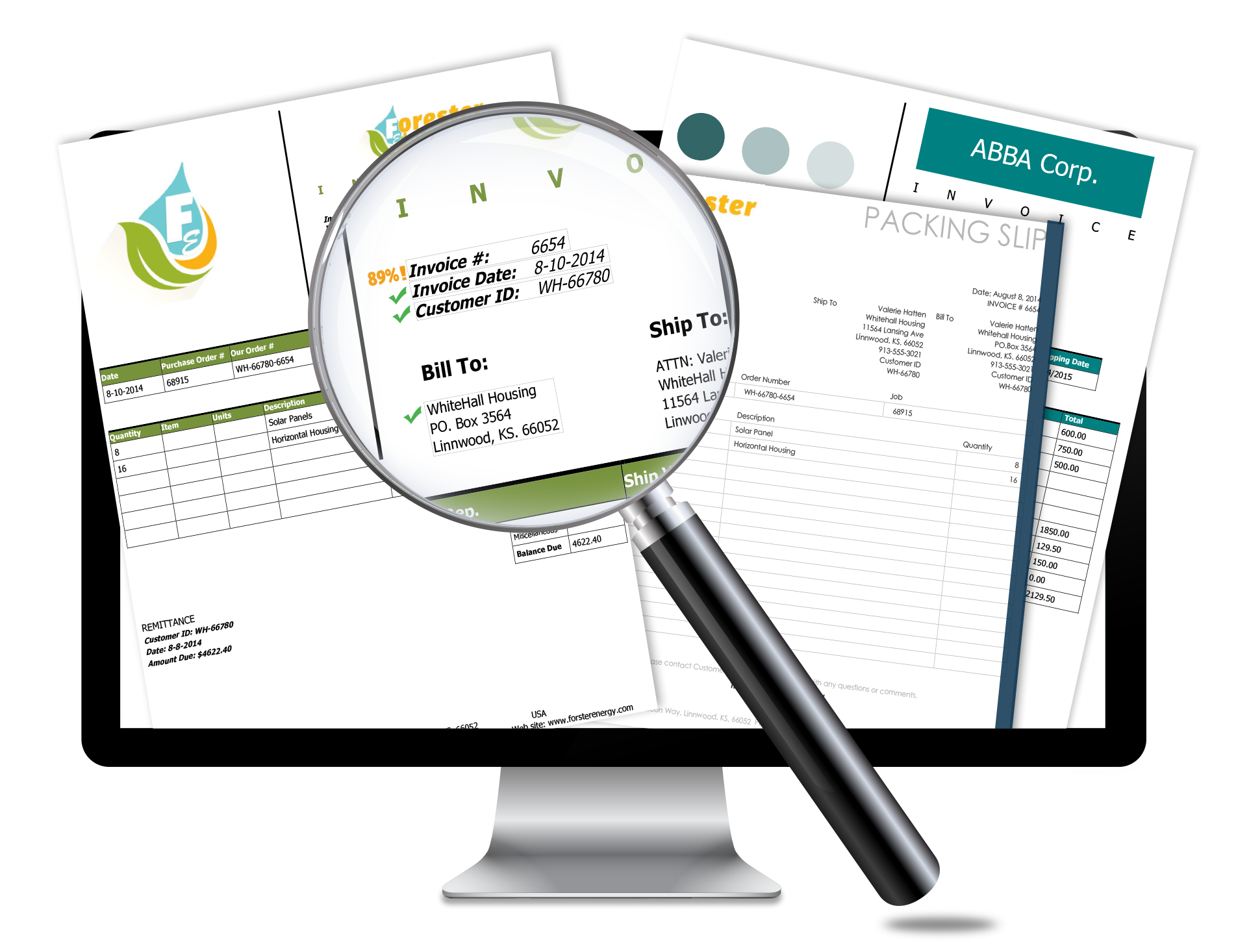
Once CapturePoint identifies the type of document it can be instructed to search the page for an address, or read the invoice number from the upper right region of the page. It can also find the invoice number after the text “Inv:” anywhere it exists on the page.
CapturePoint also knows how to perform a database look up on your other business systems such as your accounting package, or CRM system. Intelligent Indexing eliminates the most time-intensive step in scanning your business documents and does it with higher accuracy.
Confidence you can trust
The best Optical Character Recognition [OCR] software in the world ensures you get all of the field values from your paper document into your digital system.
Whenever there’s any doubt, CapturePoint flags the data in question so you can verify for 100% accuracy. This allows you to only deal with the remaining ‘exceptions’ that do not meet the ‘confidence score’ you set.
CapturePoint’s OCR brings confidence like you’ve never experienced before.
Document Scanning Software
Powerful Features for Low to High Volume Scanning

Touch Compatible Interface

Handwriting Recognition
Handles High-Volume Scanning

Automatic Document Classification

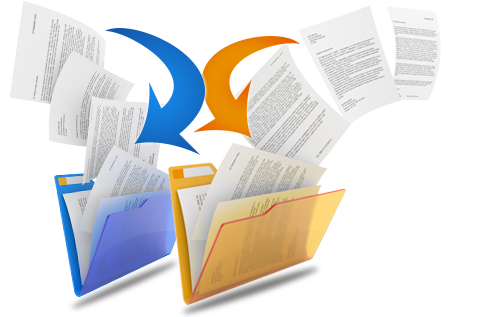
Scan Documents to a Folder

Scan to ERP, DMS, or Archive
Touch Indexing
Group Documents

Workflow Intelligently Routes
Don’t miss our CapturePoint for industry articles!

Looking for a human touch to index your documents?
Let our experts help with our Document Indexing Service!
Need help with one of our products?
Visit our learning and support center for additional articles, product documentation, and other software resources today.