QuickBooks integration
Approve the invoice. The bill is already in QuickBooks.
Typing invoices into QuickBooks is slow and easy to get wrong. Content Central reads each invoice, routes it for approval and creates the bill for you, coded to your own vendors and GL accounts.
QuickBooks Online and QuickBooks Desktop.
Both editions
Online or Desktop, it fits how you run QuickBooks.
QuickBooks Online
Sign in to Intuit. Done.
Connect by signing in to your Intuit account and authorizing Content Central. Approved invoices go out as bills, with one line or every line item.
QuickBooks Desktop
Point it at your company file.
Content Central talks to QuickBooks Desktop on your server. Approved documents go out as bills or checks, with one line or every line item.
How it works
From the envelope to the books in four steps.
- 01
Scan or receive
Invoices arrive from the scanner, email or a watched folder. CapturePoint 6 reads vendor, dates, totals and line items.
- 02
Code and check
Vendor and GL account fields are dropdowns filled from your QuickBooks lists, so coding matches your books.
- 03
Approve
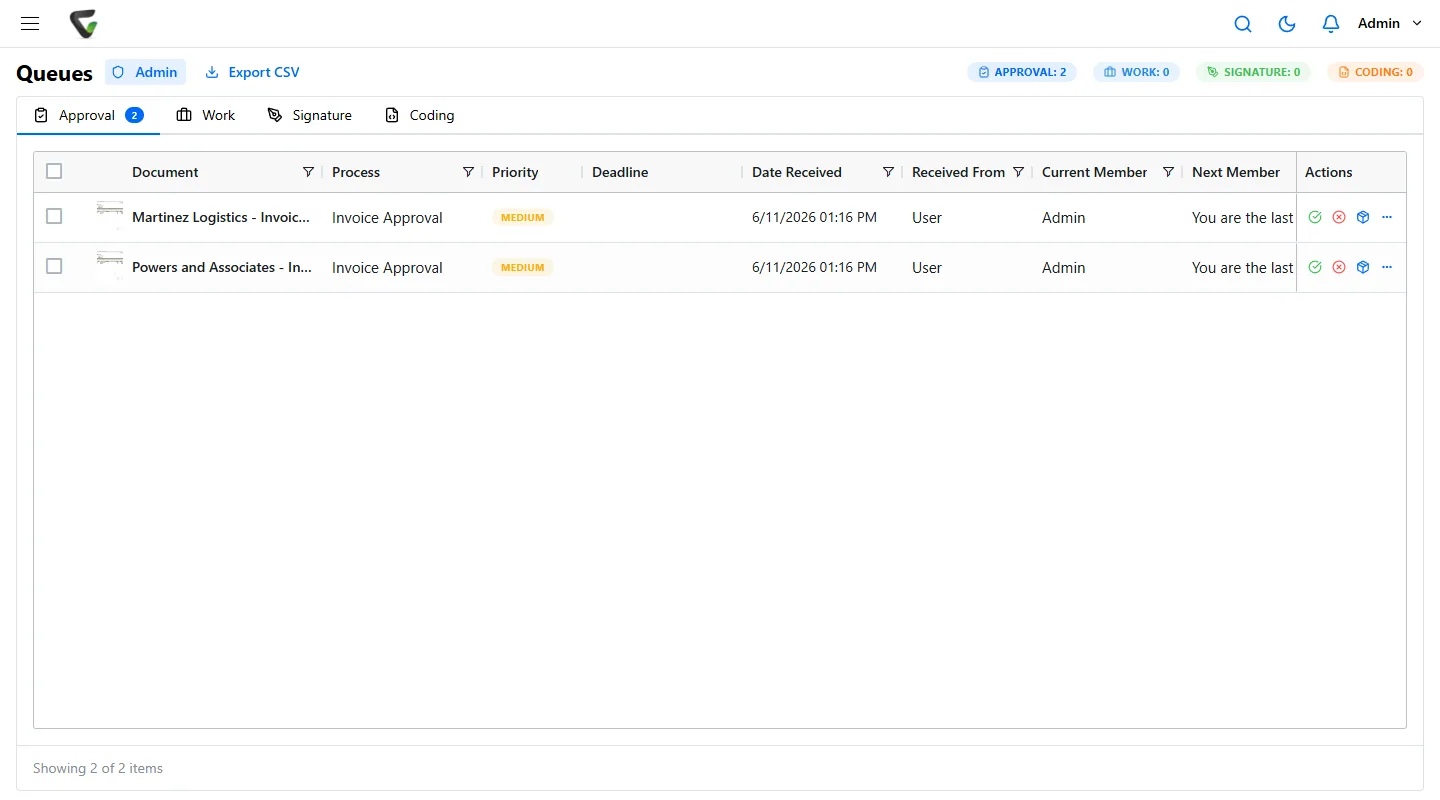
The workflow routes each invoice to the right approver, with every step in the audit trail.
- 04
Bill created
On approval, the bill (or check, in Desktop) is created in QuickBooks with nobody retyping it.
Workflows
Every invoice approved by the right person.
- Routing by field values
- Approvals and e-signatures built in
- Every hand-off recorded in the audit trail
Local AI
Cutting-edge AI. No data center required.
CapturePoint 6 puts a complete document AI on the Windows PC next to your scanner. It is the most accurate document AI we have ever measured, and it does all of its reading right there, without sending a page out to be read.
The AI comes to you
A one-time download installs the full document AI on your PC. Every page is read and understood right there, not sent to a cloud service to be read.
Fast on the PC you have
It runs with or without a graphics card. Add one and Speed boost switches on by itself. It measures your machine and tunes itself to it.
No per-page AI bill
One flat price per PC with unlimited scanning. Run ten pages or ten thousand, and the price stays the same.
Smarter every day
It learns from every correction you confirm. The longer it runs, the more it takes care of on its own.
Windows 10 or 11, 64-bit. A graphics card is optional.
Capture
Every field and line item, read at the scanner.
Trusted by 1,000+ organizations since 2002.
Fortune 500 companies and government agencies run on Ademero. Their security, IT and legal teams review us every year and keep renewing.
- Organizations
- 1,000+
- Building document software since
- 2002
- We sign them
- HIPAA BAAs
Questions about QuickBooks.
Which versions of QuickBooks does it work with?
QuickBooks Online and QuickBooks Desktop. Online connects through your Intuit sign-in; Desktop connects to the company file on your server.
What does Content Central create in QuickBooks?
Bills in QuickBooks Online, and bills or checks in QuickBooks Desktop. Each can carry a single account line or every line item from the invoice.
How do our vendors and GL accounts get into Content Central?
Content Central reads them from QuickBooks and offers them as field dropdowns. For QuickBooks Desktop, an administrator can run Sync Now to pull in new accounts and vendors.
We use Sage instead. Does that work?
Yes. Content Central also exports to Sage 50 (US and Canada) and Sage X3, as well as Epicor and Workday.
Keep going
The rest of the invoice process.
Free live demo
Watch an invoice go from paper to QuickBooks.
Book a free demo and we will show you around, answer your questions and run your real paperwork through it. No cost, no pressure.
- A live tour of the products that fit your work
- Your own documents, set up and shown working
- Your workflow and process, mapped with you
- Straight answers from people who build it
