No code
CapturePoint 6
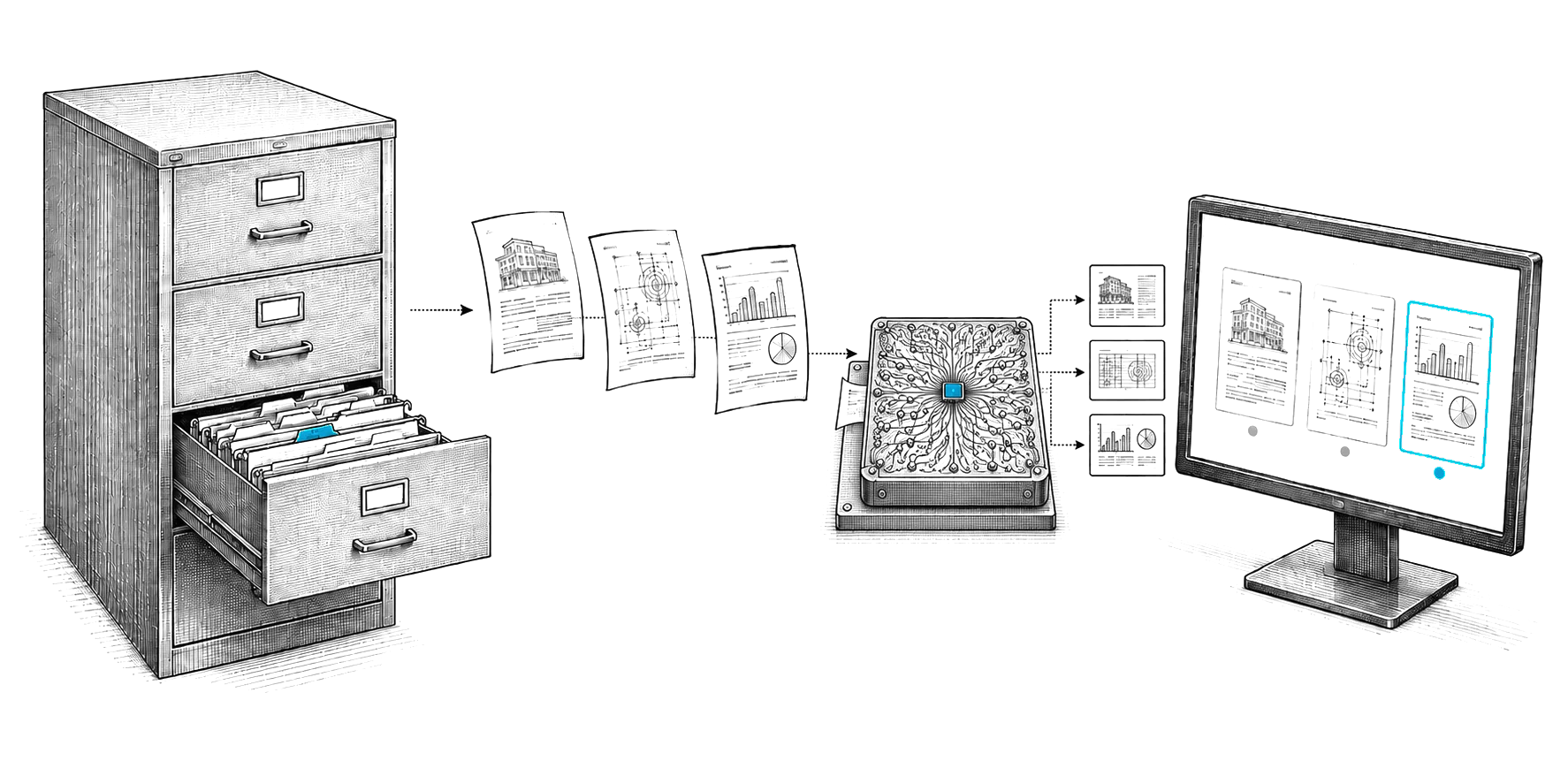
Every document it captures lands in a folder with automatic naming, or in Content Central, as a searchable PDF plus a data file with every value it read.
- Folders
- Content Central
- Data files
Developers
A REST API for Nucleus One, API connections for Content Central, a Zapier app and an OpenAI-compatible API for Cortexa. Plain JSON over HTTPS, so any language works.
01Ways in
No code
Document management
In the cloud
No code
Built with you
Private AI
02First call
Four steps with the Nucleus One REST API. The first call lists the organizations your key can see.
curl https://client-api.nucleus.one/api/v1/organizations \
-H "Authorization: Bearer $NUCLEUS_ONE_API_KEY"Start Nucleus One free. Sign up and create a project to work in.
In your user profile, open API Keys and create one. It works with your permissions.
Pass the key as a Bearer token and list the organizations you belong to.
Upload documents, create tasks and read form submissions from your own systems.
03Questions
You do not need one. Our APIs speak plain JSON over HTTPS, so the HTTP client you already use in any language works. For Nucleus One you can also generate a typed client from the published OpenAPI file with the generator you prefer.
The live reference at client-api.nucleus.one/api/v1/docs lists every endpoint with its parameters and responses. The same description is published as an OpenAPI file at client-api.nucleus.one/api/v1/openapi.json.
Sign in to Nucleus One, open your user profile and choose API Keys. A key acts as you, with exactly your permissions, so keep it on your server and out of browser code.
Content Central has API connections for document delivery and lookup. Content Central runs in the cloud or on your own servers, and when it runs on your servers, so do its API connections. Tell us what you want to connect and our engineers will help you set up the connection and the access it needs.
Cortexa offers an OpenAI-compatible API, so tools and libraries built for that API can point at your own Cortexa server instead of a public service.
Start building
Start Nucleus One free, make a key and start building right now. For Content Central and Cortexa, our engineers help you plan the integration.