Converting from Doculex Legacy Systems: Complete Migration Guide to Modern Document Management

Converting from Doculex Legacy Systems: Complete Migration Guide to Modern Document Management

Organizations using Doculex legacy systems face increasing challenges with outdated technology, limited support, and scalability issues. Learn how to successfully migrate to modern document management solutions while preserving your critical business documents and improving operational efficiency.

Michael Chen

Enterprise Systems Architect

February 15, 2024
16 min read

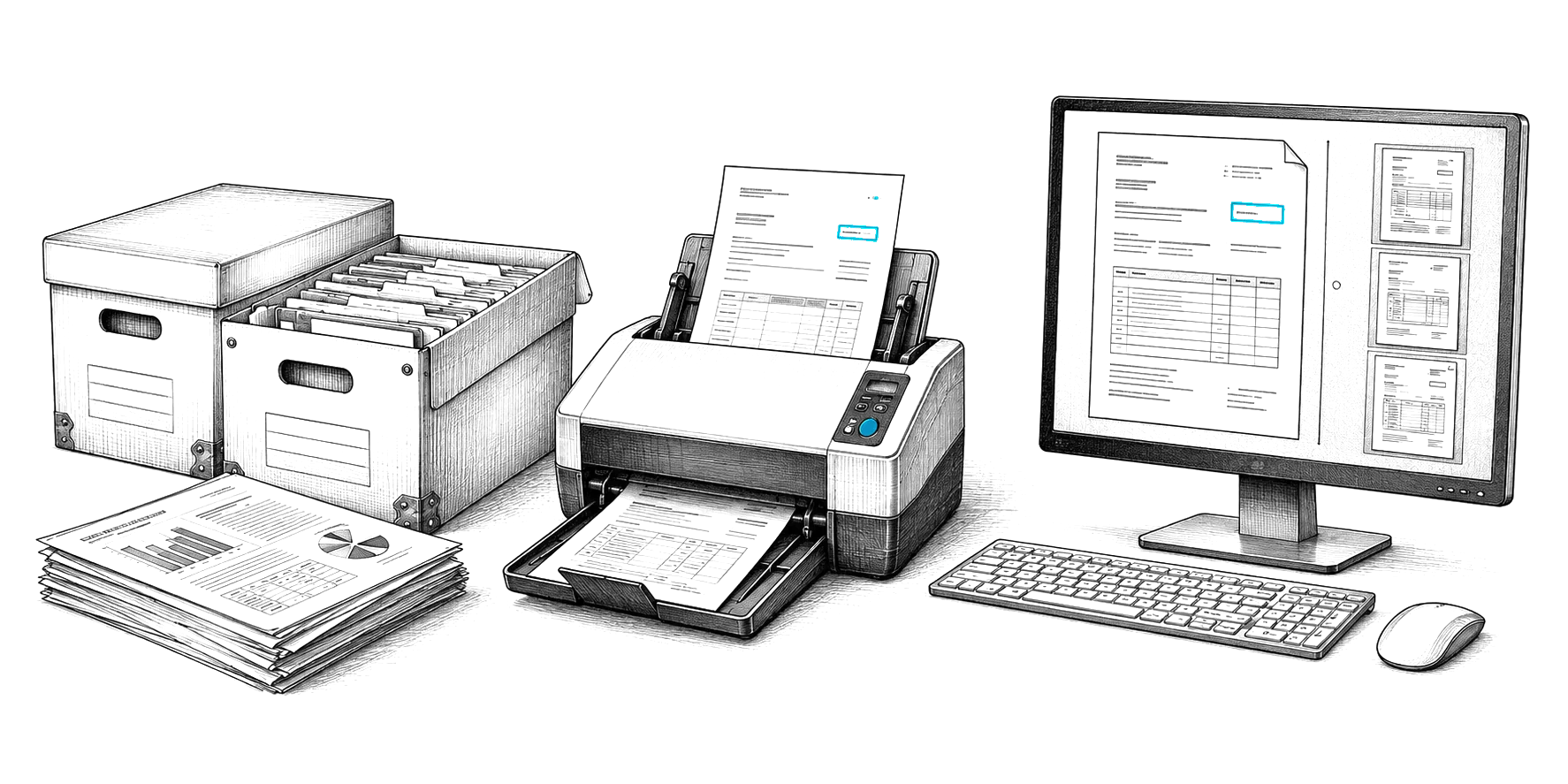
Doculex systems have served many organizations well for decades, but as technology evolves, the limitations of these legacy platforms become increasingly apparent. With discontinued support, compatibility issues, and limited modern features, many organizations are facing the critical decision to migrate to contemporary document management solutions. This comprehensive guide provides a proven migration strategy that minimizes risk, preserves data integrity, and positions your organization for future growth.

Understanding the Doculex Legacy Challenge

Why Organizations Are Moving Away from Doculex:

  • • Discontinued vendor support and updates
  • • Incompatibility with modern operating systems
  • • Limited cloud integration capabilities
  • • Lack of mobile access and remote work support
  • • Outdated security protocols and compliance gaps
  • • High maintenance costs for aging infrastructure
  • • Difficulty recruiting staff with legacy system expertise
  • • Limited integration with modern business applications

The Cost of Staying with Legacy Systems

While migration may seem daunting, the true cost of maintaining legacy Doculex systems continues to rise. Organizations report spending 60-80% of their IT budget on maintaining legacy systems, leaving little room for innovation and growth initiatives.

💰 Financial Impact

  • • 3-5x higher maintenance costs
  • • Expensive custom programming
  • • Limited vendor competition
  • • Costly hardware refresh cycles
  • • Emergency support premiums

⚠️ Operational Risks

  • • System failure without support
  • • Data loss vulnerabilities
  • • Security breach exposure
  • • Compliance violations
  • • Business continuity threats

📉 Productivity Losses

  • • Manual workarounds required
  • • Limited collaboration features
  • • No mobile/remote access
  • • Slow search and retrieval
  • • Poor user experience

Pre-Migration Assessment

Documenting Your Current Environment

Successful migration begins with a comprehensive understanding of your existing Doculex implementation, including document volumes, workflows, and dependencies.

Pre-Migration Discovery Checklist

System Inventory
  • □ Total document count and volume (GB/TB)
  • □ File types and formats in use
  • □ Document age distribution
  • □ Active vs. archived documents
  • □ Custom fields and metadata schemas
  • □ User roles and permission structures
  • □ Integration points with other systems
Business Requirements
  • □ Critical business workflows
  • □ Compliance and retention requirements
  • □ Security and access control needs
  • □ Performance expectations
  • □ Scalability requirements
  • □ Mobile and remote access needs
  • □ Integration with modern applications

Selecting Your Modern Document Management Solution

When evaluating replacement systems, prioritize solutions that not only match your current Doculex capabilities but exceed them with modern features and future-ready architecture.

Feature Legacy Doculex Modern DMS (Content Central)
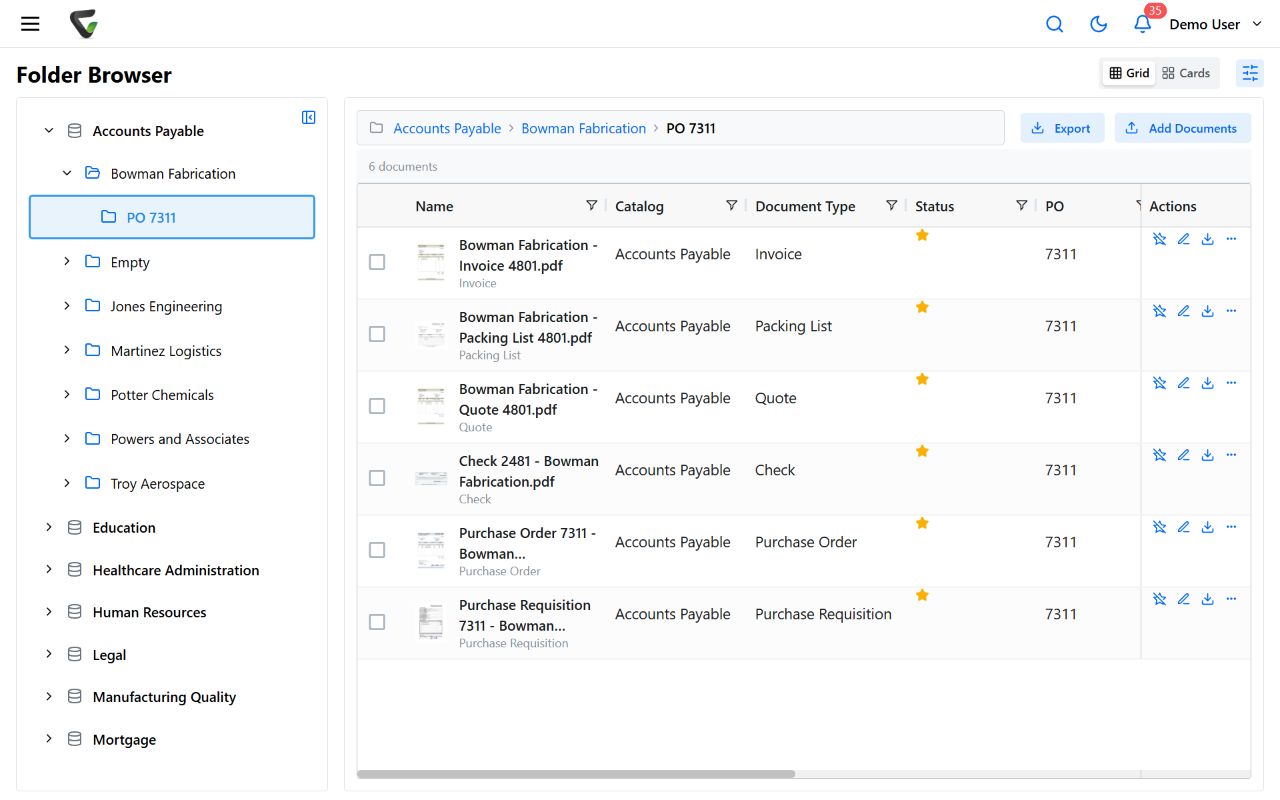
Cloud Capabilities ❌ On-premise only ✅ Cloud, hybrid, or on-premise options
Mobile Access ❌ Limited or none ✅ Full-featured mobile apps
Search Capabilities ⚠️ Basic text search ✅ AI-powered full-text and semantic search
API Integration ❌ Limited or proprietary ✅ RESTful APIs, webhooks, modern integrations
Security ⚠️ Outdated protocols ✅ Modern encryption, MFA, zero-trust architecture
User Experience ❌ Dated interface ✅ Modern, intuitive design
Workflow Automation ⚠️ Basic routing ✅ Advanced AI-powered automation

Migration Planning Strategy

Choosing Your Migration Approach

There are three primary migration strategies, each with distinct advantages depending on your organization's size, complexity, and risk tolerance.

🚀 Big Bang Migration

Complete system replacement over a weekend or scheduled downtime

Advantages:

  • • Fast completion
  • • No parallel systems
  • • Lower overall cost
  • • Immediate access to new features

Challenges:

  • • Higher short-term risk
  • • Requires extensive testing
  • • Limited rollback options
  • • Intensive training needed

Best for: Smaller organizations (<100 users)

📊 Phased Migration (Recommended)

Gradual migration by department, document type, or business unit

Advantages:

  • • Lower risk per phase
  • • Learning from each phase
  • • Manageable change impact
  • • Easier rollback if needed

Challenges:

  • • Longer overall timeline
  • • Parallel systems to maintain
  • • Complex coordination
  • • Higher cumulative cost

Best for: Medium to large organizations (100-1000+ users)

🔄 Parallel Operation

Run both systems simultaneously with gradual transition

Advantages:

  • • Minimal risk
  • • Extended training time
  • • Continuous operations
  • • Easy rollback capability

Challenges:

  • • Highest total cost
  • • Longest duration
  • • Data synchronization complexity
  • • User confusion possible

Best for: Mission-critical systems with zero-downtime requirements

Migration Timeline and Milestones

A typical Doculex migration project spans 3-9 months depending on complexity and chosen approach. Here's a proven timeline for phased migration.

Phase 1: Planning

Weeks 1-4

  • • System assessment
  • • Solution selection
  • • Migration strategy
  • • Project team formation
  • • Risk analysis
  • • Budget approval

Phase 2: Preparation

Weeks 5-8

  • • Data cleanup
  • • System configuration
  • • Integration setup
  • • Test environment
  • • Migration tools testing
  • • Training material creation

Phase 3: Pilot

Weeks 9-12

  • • Pilot department selection
  • • Data migration
  • • User training
  • • Workflow validation
  • • Issue resolution
  • • Performance tuning

Phase 4: Rollout

Weeks 13-24+

  • • Organization-wide deployment
  • • Ongoing training
  • • Legacy system sunset
  • • Optimization
  • • Advanced feature adoption
  • • Continuous improvement

Data Migration Best Practices

Document Extraction and Preservation

Extracting documents from Doculex systems requires careful attention to metadata preservation, file format compatibility, and data integrity validation.

Critical Data Migration Steps:

  1. 1. Document Inventory: Catalog all documents with metadata and relationships
  2. 2. Data Cleanup: Archive or delete obsolete documents (reduce migration volume by 30-50%)
  3. 3. Format Verification: Ensure all file formats are compatible with new system
  4. 4. Metadata Mapping: Map Doculex fields to new system schema
  5. 5. Test Migration: Run pilot migration with representative sample
  6. 6. Validation: Verify document count, content integrity, and metadata accuracy
  7. 7. Production Migration: Execute full migration with monitoring
  8. 8. Post-Migration Audit: Comprehensive verification of all migrated data

Handling Complex Doculex Features

Doculex systems often include custom configurations and features that require special attention during migration.

📋 Custom Fields & Metadata

Doculex custom fields must be carefully mapped to new system

  • Document field mapping: Create comprehensive mapping table
  • Data type conversion: Handle date formats, numeric fields, picklists
  • Multi-value fields: Convert to tags or structured metadata
  • Calculated fields: Recreate formulas or convert to static values

🔗 Document Relationships

Preserve document links, versions, and hierarchies

  • Version history: Maintain document version chains
  • Related documents: Preserve cross-references and links
  • Folder structures: Recreate or optimize folder organization
  • Annotations: Migrate comments, notes, and markup

Workflow and Integration Migration

Recreating Doculex Workflows

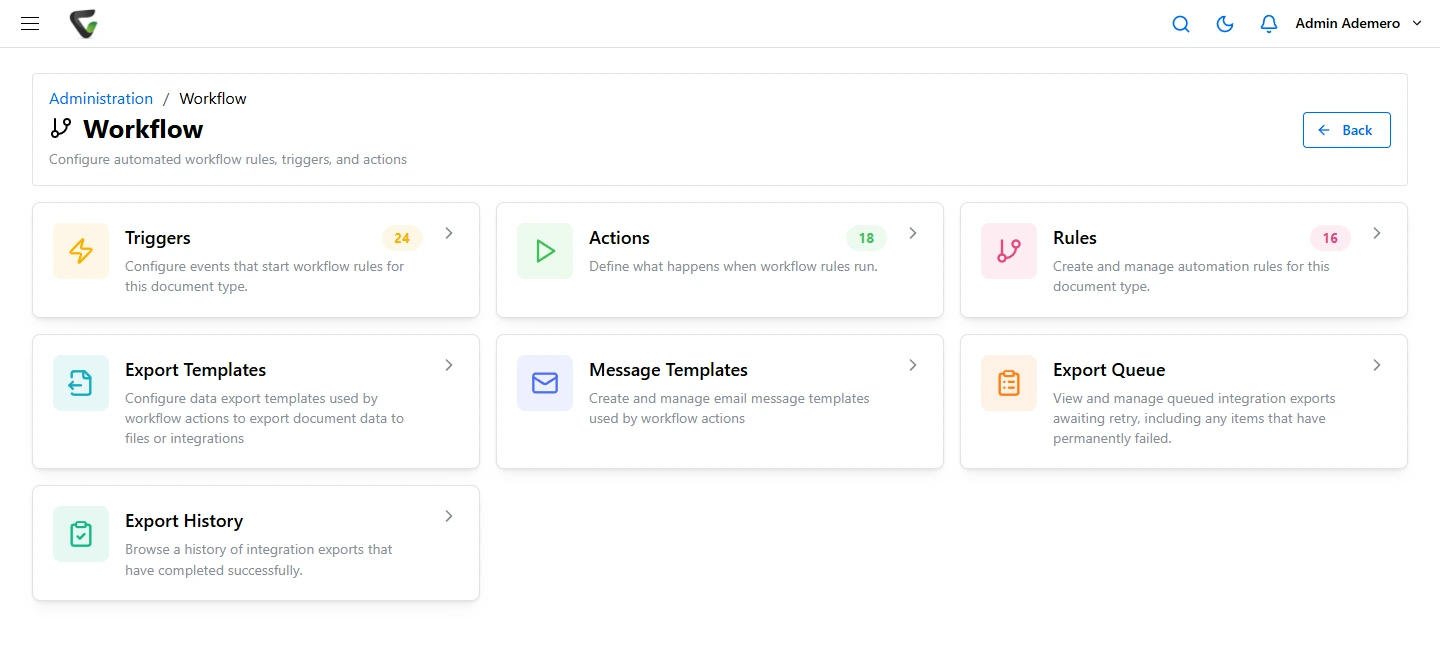
Modern document management systems offer more powerful workflow capabilities than Doculex, providing an opportunity to optimize and improve your processes.

Workflow Modernization Strategy

Legacy Doculex Workflow Modern Equivalent Enhancement Opportunities
Simple routing rules Intelligent workflow engine AI-powered routing, parallel approvals
Email notifications Multi-channel notifications Mobile push, SMS, Teams/Slack integration
Manual escalations Automated escalation rules SLA monitoring, auto-escalation
Fixed approval chains Dynamic approval routing Role-based, conditional, delegated approvals

System Integration Migration

If your Doculex system integrates with other business applications, these connections must be re-established with the new document management system.

🏢 ERP Integration

  • • SAP connector
  • • Oracle integration
  • • Microsoft Dynamics link
  • • NetSuite connection
  • • Custom ERP APIs

📧 Email & Collaboration

  • • Microsoft 365 integration
  • • Google Workspace sync
  • • Email archiving
  • • Teams/Slack channels
  • • SharePoint connection

⚙️ Line of Business Apps

  • • CRM systems
  • • HR platforms
  • • Accounting software
  • • Custom applications
  • • Database connections

User Training and Change Management

Overcoming User Resistance

Long-time Doculex users may be resistant to change, even when the new system offers superior capabilities. Effective change management is critical for successful adoption.

Change Management Best Practices:

  • Executive Sponsorship: Visible leadership support for the migration
  • Power User Program: Identify and train department champions early
  • Benefits Communication: Emphasize time savings and improved capabilities
  • Hands-On Training: Provide role-specific training with real scenarios
  • Ongoing Support: Establish help desk and super-user support network
  • Feedback Channels: Create mechanisms for users to report issues and suggest improvements
  • Quick Wins: Highlight early success stories and productivity gains

Training Program Structure

Develop a comprehensive training program that addresses different user roles and skill levels, from basic users to power users and administrators.

User Role Training Focus Duration Format
End Users Basic navigation, search, document viewing 2 hours Group session + e-learning
Power Users Document creation, workflow initiation, advanced search 4 hours Hands-on workshop
Department Admins Workflow management, reporting, user support 8 hours Technical workshop
System Admins Configuration, integration, security, troubleshooting 16-24 hours Comprehensive certification program

Post-Migration Optimization

System Performance Tuning

After migration, monitor system performance and optimize configuration based on actual usage patterns and user feedback.

📊 Key Performance Metrics

  • Search response time: Target <2 seconds
  • Document upload speed: Monitor batch processing
  • Concurrent user capacity: Ensure scalability
  • API response times: Optimize integrations
  • Mobile app performance: Track offline sync

✅ User Adoption Metrics

  • Daily active users: Track login frequency
  • Feature utilization: Measure advanced feature adoption
  • Help desk tickets: Monitor support requests
  • User satisfaction scores: Regular surveys
  • Productivity improvements: Document time savings

Leveraging Modern Capabilities

Once the basic migration is complete, organizations can take advantage of modern features that weren't possible with Doculex.

Advanced Features to Implement Post-Migration

Intelligent Automation
  • • AI-powered document classification
  • • Automated data extraction (OCR/ICR)
  • • Smart workflow routing
  • • Predictive filing suggestions
Enhanced Collaboration
  • • Real-time co-authoring
  • • Video annotation and commenting
  • • Mobile document scanning
  • • Social collaboration features

Common Migration Challenges and Solutions

⚠️ Challenge: Data Volume and Migration Time

Symptom: Migration taking weeks or months, impacting business operations

Solution:

  • • Archive inactive documents (older than retention period)
  • • Use incremental migration approach (historical first, active documents last)
  • • Implement parallel processing with migration tools
  • • Schedule migrations during off-peak hours

⚠️ Challenge: Custom Integration Breakage

Symptom: Third-party systems can no longer access documents

Solution:

  • • Document all existing integrations during assessment phase
  • • Use modern API connections instead of direct database access
  • • Implement integration middleware if needed
  • • Test all integrations thoroughly before production cutover

⚠️ Challenge: User Resistance and Low Adoption

Symptom: Users continuing to use workarounds or avoiding the new system

Solution:

  • • Involve users early in migration planning
  • • Identify and empower department champions
  • • Provide role-specific training with real-world scenarios
  • • Establish easy-to-access support channels
  • • Celebrate early wins and success stories

⚠️ Challenge: Metadata Loss or Corruption

Symptom: Documents migrated but missing critical metadata or relationships

Solution:

  • • Create comprehensive field mapping document before migration
  • • Run pilot migrations with sample documents
  • • Implement validation scripts to verify metadata accuracy
  • • Maintain Doculex system in read-only mode for verification period

ROI and Business Benefits

Quantifying Migration Success

Organizations that successfully migrate from Doculex to modern document management systems typically see substantial returns on investment within 12-18 months.

Typical Post-Migration Benefits:

Cost Savings
  • • 40-60% reduction in IT maintenance costs
  • • 70% decrease in storage infrastructure expenses
  • • 50% reduction in document processing labor
  • • Elimination of legacy hardware refresh costs
Productivity Gains
  • • 75% faster document search and retrieval
  • • 85% reduction in manual data entry
  • • 60% improvement in approval cycle times
  • • 90% increase in remote work capability

Choosing the Right Migration Partner

What to Look for in a Migration Services Provider

Successfully migrating from Doculex requires specialized expertise. Look for partners with proven experience in legacy system migrations.

Migration Partner Evaluation Criteria

  • Legacy System Experience: Specific Doculex migration experience
  • Proven Methodology: Documented migration process and best practices
  • Technical Expertise: Skills in both legacy and modern platforms
  • Project Management: Dedicated project manager and clear timeline
  • Risk Mitigation: Comprehensive testing and rollback plans
  • Post-Migration Support: Ongoing support and optimization services
  • Reference Customers: Similar organizations with successful migrations

Migration Checklist

Complete Doculex Migration Checklist

Pre-Migration

  • □ Executive approval and budget secured
  • □ Current system documented and assessed
  • □ New system selected and procured
  • □ Migration strategy defined
  • □ Project team assembled
  • □ Timeline and milestones established
  • □ Risk mitigation plan created
  • □ Communication plan developed

During Migration

  • □ Test environment configured
  • □ Pilot migration completed successfully
  • □ User training delivered
  • □ Integration testing completed
  • □ Production migration executed
  • □ Data validation performed
  • □ Performance testing completed
  • □ User acceptance testing passed

Post-Migration

  • □ Go-live support provided
  • □ Issues tracked and resolved
  • □ Performance metrics monitored
  • □ User feedback collected
  • □ System optimizations implemented
  • □ Legacy system decommissioned
  • □ Project closure and lessons learned
  • □ ROI tracked and reported

Ongoing

  • □ Continuous user training
  • □ Advanced feature adoption
  • □ Regular system health checks
  • □ User satisfaction surveys
  • □ Process optimization initiatives
  • □ Stay current with updates
  • □ Expand system capabilities
  • □ Document lessons learned

Migrating from Doculex legacy systems represents a significant undertaking, but the benefits of modern document management far outweigh the challenges. Organizations that approach migration with careful planning, experienced partners, and a commitment to change management can expect substantial improvements in efficiency, security, and user satisfaction while positioning themselves for future growth and innovation.

Ready to Migrate from Doculex?

Ademero's Content Central provides a modern, cloud-ready alternative to Doculex with proven migration tools and experienced support. Our team has successfully migrated hundreds of organizations from legacy systems to modern document management.

Schedule a Migration Assessment

Share this article

Ready to Start Your Digital Transformation?

See how Ademero can help you modernize your business processes and achieve your digital goals.