Small Business
A small business guide to AI: practical quick wins
You do not need a data science team or a big budget. Pick one task that eats your week, let AI take it, and build from there.
Ademero Team4 min read

Many small businesses hold off on AI because it sounds expensive or complicated. Today most of it comes built into software you can try for free, and the best first projects are small, specific and easy to measure.
The small business advantage
- You can decide fast. No committees. Try a tool this week and keep it next week if it works.
- You can stay focused. One clear problem, one tool, a result you can see.
- Every hour counts. When the team is small, time saved shows up right away.
- Your team adapts quickly. Everyone can learn a new tool together.
What AI can and cannot do
What it does well
- Reading and filing documents such as invoices, receipts and forms
- Answering routine customer questions
- Drafting emails, posts and first versions of documents
- Sorting and prioritizing leads and requests
- Spotting patterns in sales and inventory
Where it needs you
- Judgment calls, negotiations and anything sensitive with customers
- Messy or incomplete data: poor input means poor output
- Regular checks to make sure results stay right
- Industry rules that apply to the data it touches
Quick wins to try first
Invoice and receipt capture
Scan or upload bills and let AI read the vendor, dates, totals and line items, then file them. No more keying.
Customer service answers
A chat assistant trained on your own FAQ handles the common questions and hands the rest to a person.
Email follow-up
Automated sequences that follow up with new leads and customers on a schedule you set.
Content drafts
First drafts of posts, product descriptions and newsletters that you edit and approve.
Lead sorting
Inquiries scored and routed so you call the most promising ones first.
Demand forecasting
Sales history used to suggest reorder points before you run out.
Where it saves the most
- Administration: data entry, scheduling, email and reports.
- Customer support: common questions, order status and appointment booking.
- Marketing and sales: lead follow-up, content and campaigns.
- Finance: invoices, expenses, reconciliation and month-end paperwork.
Pitfalls to avoid
- Automating everything at once. Start small, prove it, then expand.
- Shopping by feature list. Define the problem first, then find the tool.
- Ignoring data quality. Clean, consistent data makes every tool work better.
- Skipping training. Whether the team actually uses the tool decides the result.
- Not measuring. Time the task before you start so you can show what changed.
A 30-day plan
- 01
Week 1: find the quick win
List the repetitive tasks that take the most time, time them, and pick one. - 02
Week 2: choose and set up a tool
Compare a few options, start free trials, connect your favorite to the systems you already use. - 03
Week 3: pilot it
Train a few people and run real work through it. Collect honest feedback. - 04
Week 4: measure and roll out
Compare with your baseline, write down how to use it, and roll it out to the team.
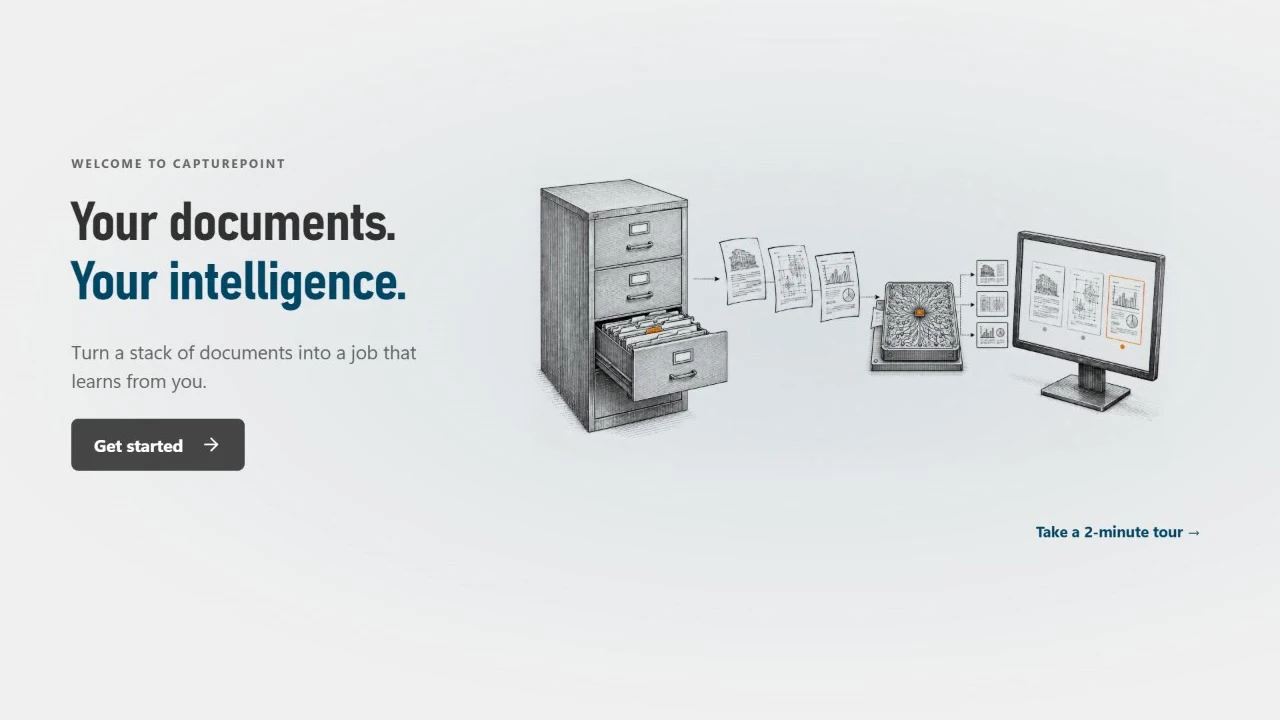
For paperwork, CapturePoint 6 is an easy first step. It runs on your own Windows PC with local AI, splits, sorts, reads and names your scanned documents. The free trial starts the first time you open it. For document sharing, approvals and e-signatures in the cloud, look at Nucleus One.
CapturePoint 6
Scan the stack. It splits, sorts, reads and names every document.
Cutting-edge local AI on your own Windows PC. Finished documents go to your folders, Content Central, Nucleus One, SharePoint, OneDrive, Google Drive or Dropbox. The free trial starts the first time you open it, no form to fill in.