BlogCompliance
What makes an e-signature legally binding
Electronic signatures are legally binding when they meet a few clear requirements. Here is what the law expects, and how to keep a signed record that holds up.
The demo is free and runs on your own documents.
Ademero Team4 min read
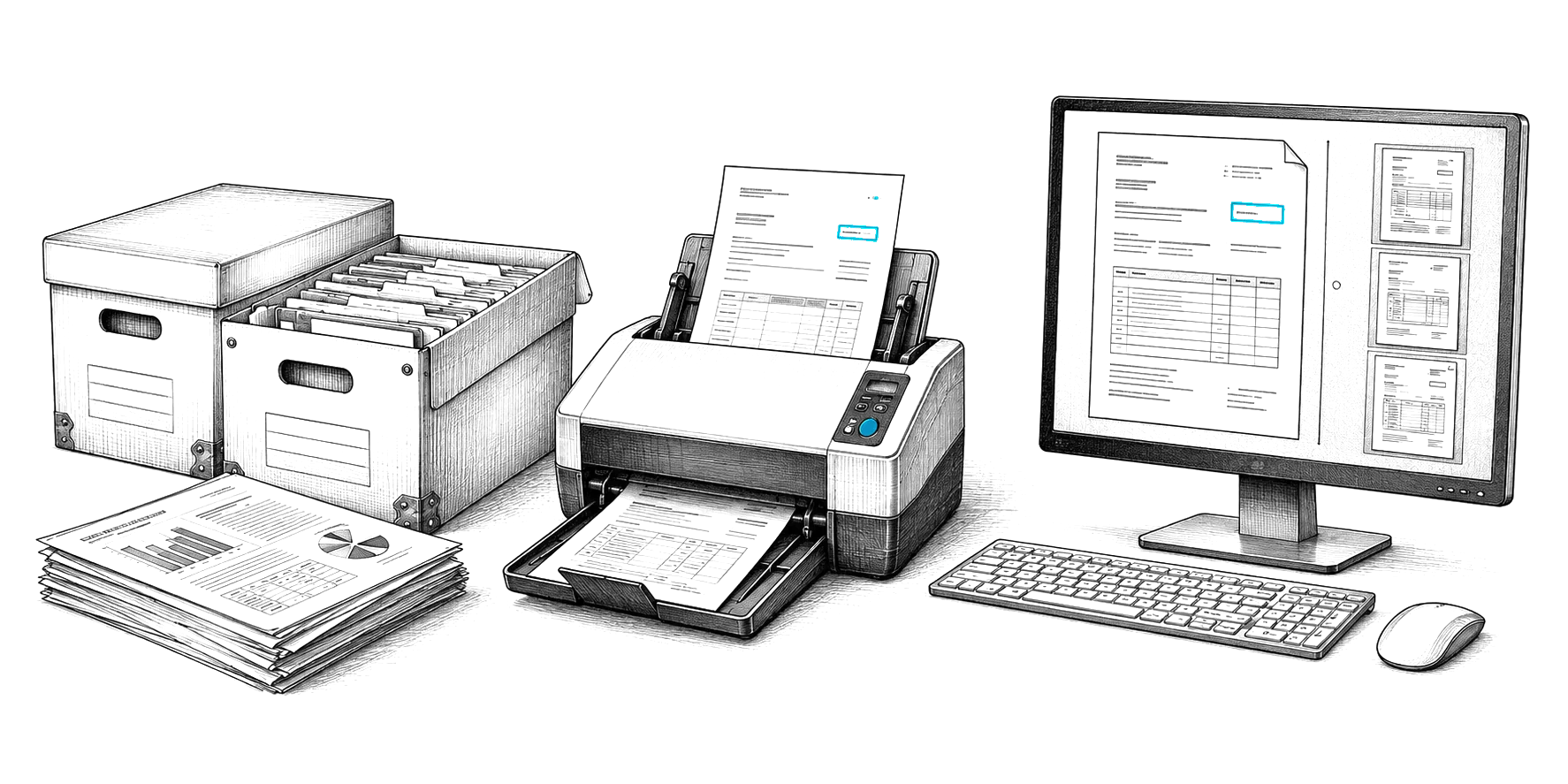
Electronic signatures have taken the printing, signing and scanning out of everyday business. For a signature to hold up, though, it has to meet federal and state law, and the signed record has to be kept well. Here are those requirements in plain terms.
Which laws govern electronic signatures?
In the US, the federal E-SIGN Act and the state-level UETA. Regulated industries and other countries add their own rules.
- E-SIGN Act (2000): federal law giving electronic signatures and records the same legal effect as paper.
- UETA: the Uniform Electronic Transactions Act, adopted by nearly every state.
- 21 CFR Part 11: FDA requirements for electronic records and signatures in regulated life sciences work.
- eIDAS: the EU regulation on electronic identification and trust services.
What makes an e-signature legally binding?
- Intent to sign. The signer takes a clear, deliberate action, such as clicking to sign or drawing a signature.
- Consent to do business electronically. The parties agree to use electronic records.
- Signer identity. The signature can be attributed to the person, for example through a verified email address or login.
- Association with the record. The signature is attached to the specific document signed.
- Record retention. The signed record can be kept, reproduced and shown to all parties later.
The types of electronic signatures
| Type | What it is | Typical use |
|---|---|---|
| Simple | Click-to-sign, typed or drawn signature | Internal approvals, everyday agreements |
| Advanced | Uniquely linked to an authenticated signer | Contracts, HR documents |
| Qualified (eIDAS) | Backed by a qualified digital certificate | EU transactions that require it |
What the audit trail should capture
- Who created the signature request, and when.
- When each signer was invited and opened the document.
- How each signer's identity was established.
- When each signature was applied.
- The final signed version, protected from later edits.
Which documents can be signed electronically?
Most business documents can. A short list of exceptions still needs traditional handling.
| Generally permitted | Common exceptions |
|---|---|
| Commercial contracts and sales agreements | Wills and testamentary trusts |
| HR documents such as offer letters | Adoption and divorce papers |
| Financial disclosures | Court orders and notices |
| Healthcare consent forms | Foreclosure and eviction notices |
| Real estate and insurance documents | Utility shutoff and certain insurance cancellation notices |
| Business-to-business transactions | Product recall notices |
Outside the US
- European Union: eIDAS defines simple, advanced and qualified electronic signatures.
- United Kingdom: the Electronic Communications Act and retained eIDAS rules.
- Canada: PIPEDA and provincial electronic commerce acts.
- Australia: the Electronic Transactions Act.
Best practices
| Do | Avoid |
|---|---|
| Get clear consent before signing | Unclear consent steps |
| Identify every signer | Skipping signer verification |
| Keep a complete audit trail | Gaps in the signing record |
| Lock the signed version | Edits after signing |
| Retain signed records for the required period | Records scattered across inboxes |
| Give every party a copy | Signing tools disconnected from your records system |
Get the next guide by email
Practical notes on documents, capture and automation. No spam, unsubscribe any time.
Free live demo
See it work on your own documents.
Book a free demo and we will show you around, answer your questions and run your real paperwork through it. No cost, no pressure.
- A live tour of the products that fit your work
- Your own documents, set up and shown working
- Your workflow and process, mapped with you
- Straight answers from people who build it