FERPA at the records office: five requests and how to answer them
A parent wants to see a file, a scholarship committee wants a transcript, a police officer asks about a student. FERPA has a specific answer for each. Here they are, with the document setup that makes them routine.
Ademero Team7 min read
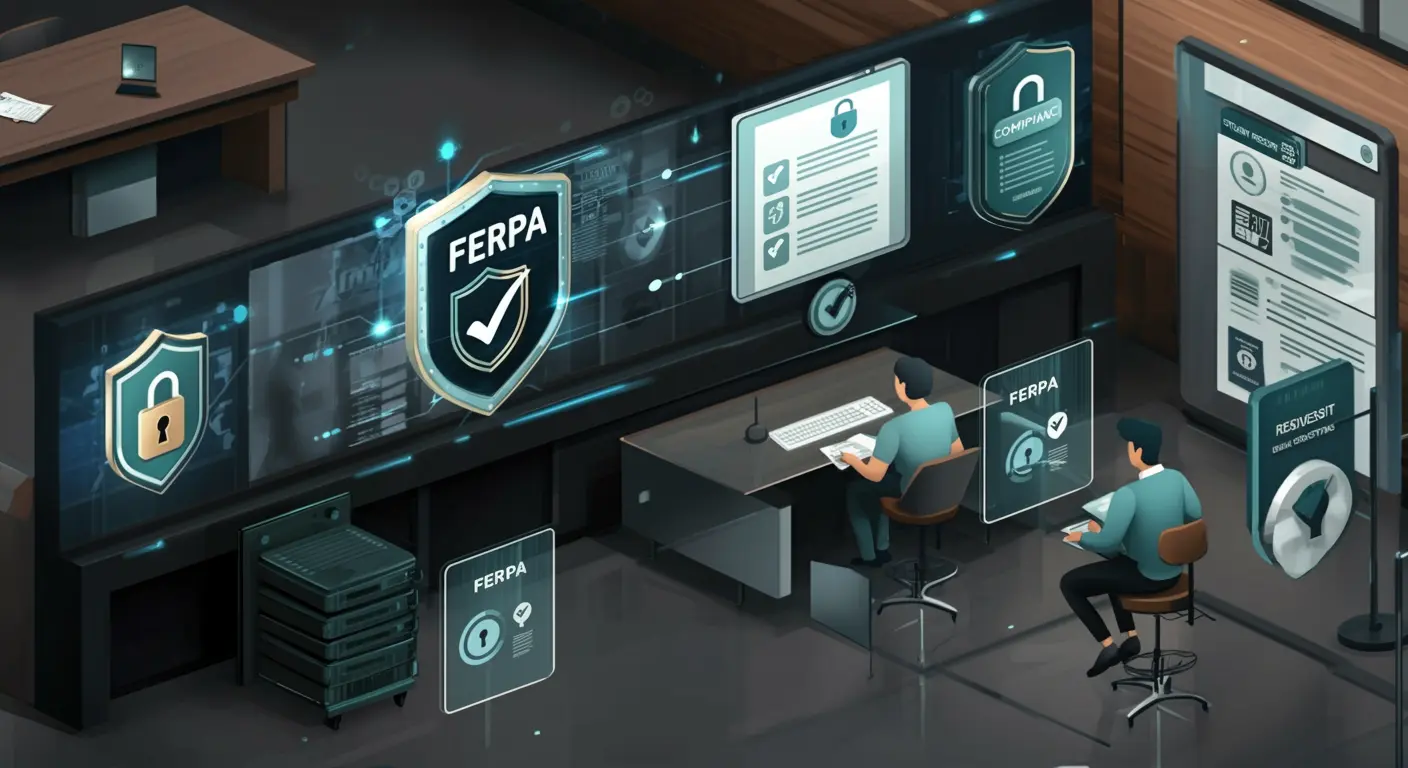
FERPA, the Family Educational Rights and Privacy Act, applies to every school, district, college and university that receives funds from a program run by the U.S. Department of Education. Most of it is decided at a counter: who is asking for which record, and may they have it. This guide is for registrars, records clerks and the district or campus staff who answer those requests. It starts with the questions that actually arrive, then covers the paperwork FERPA expects you to keep.
First, whose rights are they?
Rights under FERPA belong to the parents until the student turns 18 or enrolls at a college at any age. From then on the student is an eligible student and the rights are theirs. That one rule settles a large share of the calls a college records office gets from parents.
An education record is any record directly related to a student and kept by the school or someone acting for it: transcripts, grades, schedules, attendance, discipline files, IEPs and 504 plans, Title IX files, financial aid records and school health records. A few things are not education records: a teacher’s private notes kept only for their own use, records of a campus law enforcement unit made for law enforcement, and employment records of staff who are not employed because they are students.
Five requests, five answers
1. “I want to see my son’s file.” (A parent of a 15-year-old)
Yes. Parents may inspect and review their child’s education records. Provide access within 45 days of the request.
You do not have to mail copies if the parent can come in and review the records, but you must make reasonable arrangements if they cannot. And while a request to inspect is pending, you may not destroy any of the records it covers, even if their retention period ends.
2. “Please send her transcript to this scholarship foundation.”
Only with signed, dated written consent that names the records, the purpose and the recipient.
An outside organization is not covered by an exception, so consent is required. File the consent with the student record, and add the disclosure to the student’s record of disclosures (more on that below).
3. “I teach his biology section. Can I read his 504 plan?”
Yes, if your annual notice defines teachers as school officials and the teacher has a legitimate educational interest.
The school official exception is the one used most every day, and it only works if the annual FERPA notice spells out who counts as a school official and what counts as a legitimate educational interest. It is also the exception most often stretched: a teacher of one class has an interest in that student’s accommodations, not in the whole cumulative file.
4. “I’m with the police. We need this student’s address and schedule.”
Not without consent, a lawfully issued subpoena or court order, a health or safety emergency, or information properly designated as directory information.
With a subpoena or court order, the school generally makes a reasonable effort to notify the parent or eligible student before complying, unless the order says not to. In a genuine health or safety emergency, records can go to the people who need them to protect someone, and the school records what the threat was and who received the information.
5. “Can you list our graduates and their majors in the commencement program?”
Yes, if names and majors are designated as directory information and those students did not opt out.
Directory information is information that would not generally be considered harmful if disclosed, such as name, major, dates of attendance and degrees. The school must say which items it designates in its annual notice and give a reasonable time to opt out. Honoring opt-outs is a records job: the flag has to travel with the student file.
The record of disclosures
For most disclosures of personally identifiable information without consent, FERPA asks the school to keep a record with the student’s file, for as long as the file itself is kept. Each entry names who requested or received the information and their legitimate interest in it. You do not need entries for disclosures to the parent or eligible student, to school officials, with written consent, or of directory information.
| Request | Legal basis | Record of disclosure needed? |
|---|---|---|
| Parent of a minor, or the eligible student | Right to inspect and review | No |
| Teacher or counselor with a legitimate interest | School official exception | No |
| Scholarship foundation, employer, landlord | Written consent | No, but keep the consent with the record |
| Another school where the student is enrolling | Transfer exception | Yes |
| Subpoena or court order | Judicial exception | Yes |
| Health or safety emergency | Emergency exception | Yes, including the threat and who received it |
| Commencement program | Directory information | No, if the student did not opt out |
Corrections and hearings
A parent or eligible student can ask the school to amend a record they believe is inaccurate or misleading. If the school declines, it must offer a hearing. If the hearing also goes against them, they may add a statement to the record explaining why they disagree, and the school keeps that statement with the record and discloses it whenever the disputed part is disclosed. Keep the original, the request and the outcome together, not in an email thread.
How to set up student files so this stays routine
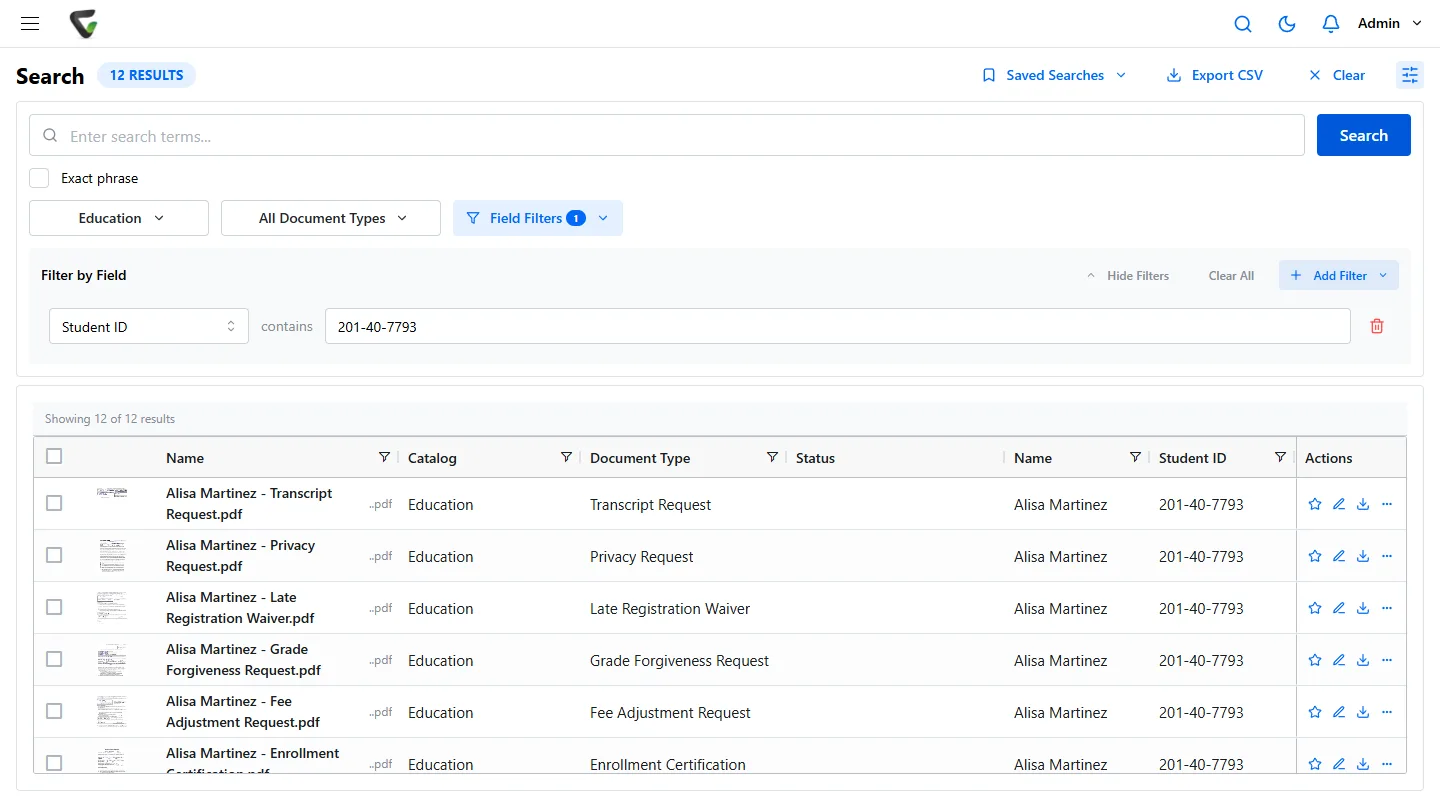
- One student ID on every document. Index every page to the student ID so a single search returns the full file when a request arrives.
- Document types that match your exceptions. Transcripts, 504 plans, discipline and Title IX files each get their own type and their own permissions.
- Access by student, not just by type. A counselor should see their own caseload; a campus registrar sees their campus.
- A reason before the sensitive files open. For discipline, Title IX and health records, ask the person to state why, and keep the answer.
- Consent and opt-outs filed with the student. Scan signed consents into the same file, and keep the directory opt-out as a field everyone can see.
- Share outside the school with an expiry. A link or limited guest access that ends on a date leaves a cleaner trail than an email attachment.
- Retention by type, from your state schedule. FERPA does not set most retention periods. Your state records schedule does, and permanent transcripts are common.
Mistakes that show up in complaints
- Giving a parent of a college student access without the student’s consent or another exception, such as the parent claiming the student as a tax dependent.
- Emailing a class roster or a spreadsheet of grades to the wrong list.
- Treating “works at the school” as a legitimate educational interest.
- No record of disclosures for transfer requests and subpoenas.
- Shredding a file that a parent had asked to inspect.
- Directory opt-outs kept in a binder that the people answering the phone never see.
Where Ademero fits
Content Central runs in the cloud or on your own servers, your choice. A Student ID field can tie every document for one student into a single packet, and access can be limited by field value so each school or counselor sees only their own students. Document types carry their own permissions, Require Reason for Access asks for a reason before sensitive files open, documents can be shared with an outside person with an expiration, and the event log records sign-ins, searches, views, downloads and emails with their recipients. Retention schedules run per document type, and any document can be kept indefinitely when it must not be destroyed. CapturePoint 6 can split a stack of forms and name each document by student before it reaches the file. More on our education page.
