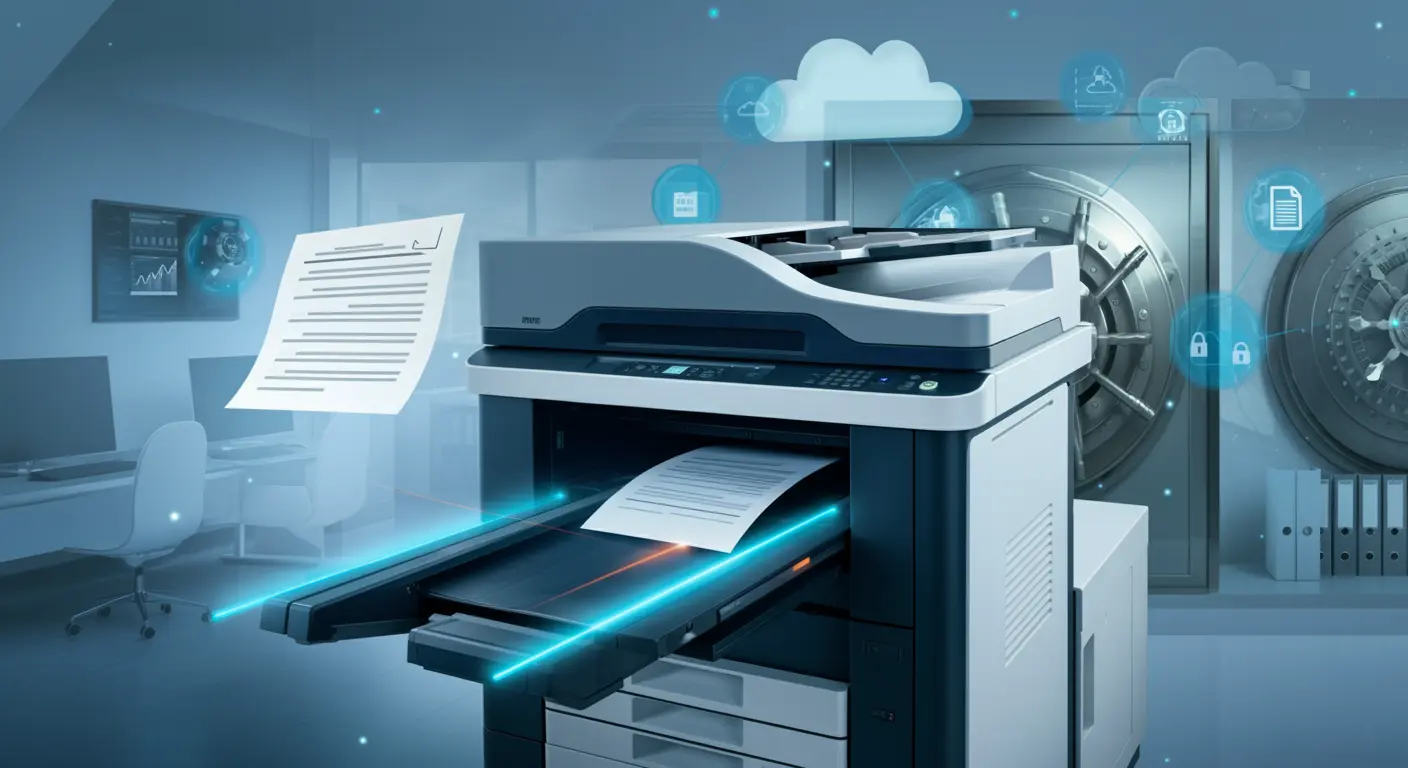
Document Archival with CapturePoint: Complete Guide to Digital Document Preservation
Organizations archive an average of 12 million pages annually, yet 70% struggle with retrieval and compliance. Discover how CapturePoint transforms document archival with intelligent scanning, automated indexing, and instant retrieval capabilities.
Sarah Johnson
Records Management Specialist
Document archival is more than storing old files—it's about preserving organizational knowledge, ensuring compliance, and maintaining instant access to historical records. Modern organizations face mounting pressure to digitize paper archives while managing growing volumes of born-digital content. CapturePoint provides comprehensive document archival capabilities that transform chaotic paper warehouses into organized, searchable digital repositories accessible in seconds, not days.
What Is the Document Archival Challenge?
70% of businesses lose revenue due to poor retrieval, with paper archives averaging 18-48 hours per request and 15% of documents lost permanently.
Critical Document Archival Statistics:
- • Average organization maintains 7-10 years of archived documents
- • 70% of businesses have lost revenue due to poor document retrieval
- • Paper archive retrieval averages 18-48 hours per request
- • 15% of archived documents are lost or misfiled permanently
- • Physical archive storage costs average $15-25 per square foot annually
- • Compliance violations due to missing records average $2.9M per incident
- • Digital archival reduces retrieval time by 95% (hours to seconds)
Why Organizations Need Better Archival Solutions
🏛️ Compliance Requirements
- • Legal discovery requests
- • Regulatory audits
- • Retention policy enforcement
- • Audit trail documentation
- • Chain of custody tracking
- • Tamper-evident seals
💼 Business Continuity
- • Disaster recovery protection
- • Business intelligence access
- • Historical data analysis
- • Customer service inquiries
- • Contract reference lookups
- • Knowledge preservation
💰 Cost Reduction
- • Eliminate off-site storage fees
- • Reduce physical space needs
- • Minimize retrieval labor costs
- • Lower insurance premiums
- • Decrease courier expenses
- • Optimize resource allocation
What Are CapturePoint's Archival Capabilities?
CapturePoint scans up to 200 pages per minute (48,000 daily), achieves 99.8% OCR accuracy, and supports mixed document types with AI-powered indexing.
High-Volume Document Scanning
CapturePoint excels at processing large archival projects, handling everything from a few file boxes to multi-year backfile conversion projects with millions of pages.
Scanning Performance Specifications
| Specification | Capability | Benefit |
|---|---|---|
| Scanning Speed | Up to 200 pages/minute | Process 48,000 pages per 8-hour shift |
| Batch Processing | Unlimited batch sizes | Handle entire filing cabinets at once |
| Document Types | Mixed sizes, weights, qualities | No pre-sorting required |
| Image Quality | Up to 600 DPI, color/grayscale/B&W | Archival-quality preservation |
| OCR Accuracy | 99.8% with quality originals | Full-text searchability |
Intelligent Document Indexing
The key to successful document archival is not just scanning—it's intelligent indexing that enables instant retrieval decades into the future.
🤖 Automated Indexing
- • Barcode Recognition: Automatic document separation and filing
- • OCR Data Extraction: Pull key fields from document content
- • Pattern Recognition: Identify document types automatically
- • Database Lookup: Match to existing records
- • AI Classification: Machine learning-based categorization
📝 Manual Indexing Tools
- • Batch Indexing: Apply metadata to multiple documents
- • Template-Based Entry: Pre-populated fields reduce typing
- • Dropdown Lists: Standardized values ensure consistency
- • Verification Queue: Quality control workflow
- • Correction Tools: Easy fix for OCR errors
How Do You Plan an Archival Project?
Archival projects follow 4 phases over 12 weeks: preparation (weeks 1-2), scanning (weeks 3-8), indexing (weeks 4-10), and validation (weeks 11-12).
Assessing Your Archival Needs
Successful document archival projects begin with thorough planning and assessment of your document inventory, retention requirements, and retrieval patterns.
Pre-Project Assessment Checklist:
- 1. Volume Estimation: Count file boxes, filing cabinets, or linear feet
- 2. Document Type Analysis: Identify formats (letter, legal, oversized, bound)
- 3. Condition Assessment: Note fragile, damaged, or special handling documents
- 4. Retention Requirements: Document legal and business retention periods
- 5. Indexing Strategy: Define metadata fields for search and retrieval
- 6. Access Patterns: Understand who needs access and how frequently
- 7. Budget Planning: Estimate costs for scanning, indexing, and storage
- 8. Timeline Definition: Set realistic milestones for project completion
Archival Project Phases
Phase 1: Preparation
Weeks 1-2
- • Document organization
- • Removal of duplicates
- • Physical prep (staple removal)
- • Metadata planning
- • Quality standards definition
- • Test batch scanning
Phase 2: Scanning
Weeks 3-8
- • High-volume scanning
- • Image quality control
- • OCR processing
- • File format conversion
- • Batch organization
- • Progress tracking
Phase 3: Indexing
Weeks 4-10
- • Metadata application
- • Automated data extraction
- • Manual data entry
- • Quality verification
- • Exception handling
- • Database integration
Phase 4: Validation
Weeks 11-12
- • Random sample audits
- • Search functionality testing
- • User acceptance testing
- • Performance validation
- • Training delivery
- • Go-live preparation
What Are Archival Best Practices?
Best practices include 300 DPI for text documents, PDF/A format for long-term preservation, and structured metadata fields for reliable retrieval.
Image Quality and Format Selection
Choosing the right image quality and file format ensures your archived documents remain accessible and usable for decades while balancing storage costs.
| Document Type | Recommended Settings | File Format | Typical File Size |
|---|---|---|---|
| Text Documents | 300 DPI, Black & White | PDF/A with OCR layer | 50-100 KB per page |
| Forms with Color | 300 DPI, Color or Grayscale | PDF/A with OCR layer | 200-400 KB per page |
| Photographs | 600 DPI, Color | TIFF or JPEG2000 | 2-5 MB per image |
| Engineering Drawings | 400 DPI, Black & White | PDF/A with vector layer | 500 KB-2 MB per page |
| Historical Documents | 600 DPI, Color | TIFF uncompressed | 5-10 MB per page |
Metadata Strategy for Long-Term Retrieval
Effective metadata design is crucial for finding documents years or decades after archival. Balance between comprehensive indexing and practical data entry efficiency.
Essential Metadata Fields for Archives
Core Identification
- • Document ID (unique identifier)
- • Document type/category
- • Original date of document
- • Date scanned/archived
- • Department or business unit
- • Retention period expiration
Search & Retrieval
- • Customer/client name or ID
- • Project or matter number
- • Subject or description
- • Keywords or tags
- • Related document links
- • Access restrictions
How Does Archival Support Compliance and Legal Discovery?
Digital archival provides audit trails, tamper-evident storage, chain of custody tracking, and fast e-discovery with bulk export and redaction tools.
Ensuring Archival Compliance
Archived documents must meet regulatory requirements for authenticity, integrity, and retrievability throughout their retention period.
⚖️ Legal Requirements
- • Audit trail maintenance
- • Tamper-evident storage
- • Chain of custody tracking
- • Original destruction records
- • Access logging
- • Disaster recovery capability
📜 Industry Standards
- • PDF/A for long-term preservation
- • ISO 19005 compliance
- • ANSI/AIIM standards
- • Federal Rules of Evidence
- • Sarbanes-Oxley (SOX)
- • HIPAA for healthcare
🔍 E-Discovery Ready
- • Fast search and retrieval
- • Bulk export capabilities
- • Metadata preservation
- • Redaction tools
- • Privilege logging
- • Production set management
What Is the ROI of Digital Document Archival?
Digital archival saves 85% over 10 years: $142,000 savings per 100,000 documents versus paper storage, with eliminated retrieval labor and lost documents.
Archival Cost Comparison
Understanding the total cost of document archival helps justify digital transformation investments and demonstrates substantial long-term savings.
10-Year Cost Comparison (100,000 documents):
| Cost Factor | Paper Archives | CapturePoint Digital | Savings |
|---|---|---|---|
| Initial Setup | $2,000 | $15,000 | -$13,000 |
| Storage (10 years) | $50,000 | $5,000 | +$45,000 |
| Retrieval Labor | $75,000 | $5,000 | +$70,000 |
| Transportation | $15,000 | $0 | +$15,000 |
| Lost/Damaged Docs | $25,000 | $0 | +$25,000 |
| Total 10-Year Cost | $167,000 | $25,000 | +$142,000 (85% savings) |
Implementation Guide
Getting Started with CapturePoint Archival
Whether you're digitizing a small departmental archive or launching an enterprise-wide backfile conversion, CapturePoint provides the tools and workflow you need.
CapturePoint Archival Implementation Checklist
Planning Phase
- □ Conduct document volume assessment
- □ Define retention requirements
- □ Design metadata schema
- □ Select image quality standards
- □ Establish quality control procedures
- □ Secure budget and resources
- □ Identify project stakeholders
- □ Create project timeline
Execution Phase
- □ Install and configure CapturePoint
- □ Prepare documents for scanning
- □ Conduct test batch scanning
- □ Begin production scanning
- □ Perform indexing and QC
- □ Import to document management system
- □ Validate search and retrieval
- □ Train end users
Quality Assurance
- □ Random sample audits (5-10%)
- □ Image quality verification
- □ OCR accuracy testing
- □ Metadata completeness check
- □ Document count reconciliation
- □ Search functionality testing
- □ User acceptance sign-off
- □ Final project documentation
Post-Project
- □ Original document disposition
- □ Archive backup and disaster recovery
- □ Ongoing maintenance procedures
- □ User support and training
- □ Performance monitoring
- □ Continuous improvement review
- □ ROI tracking and reporting
- □ Future archival planning
Document archival is a strategic investment in organizational knowledge preservation, compliance, and operational efficiency. CapturePoint transforms the archival process from a labor-intensive burden into an automated, efficient system that delivers instant access to historical records while dramatically reducing costs and risks.
Ready to Digitize Your Archives?
Discover how CapturePoint can transform your paper archives into searchable digital assets. Get a personalized assessment of your archival project scope, timeline, and costs.
Request Archival ConsultationReady to Start Your Digital Transformation?
See how Ademero can help you modernize your business processes and achieve your digital goals.