CapturePoint 6, powered by Cortexa AI
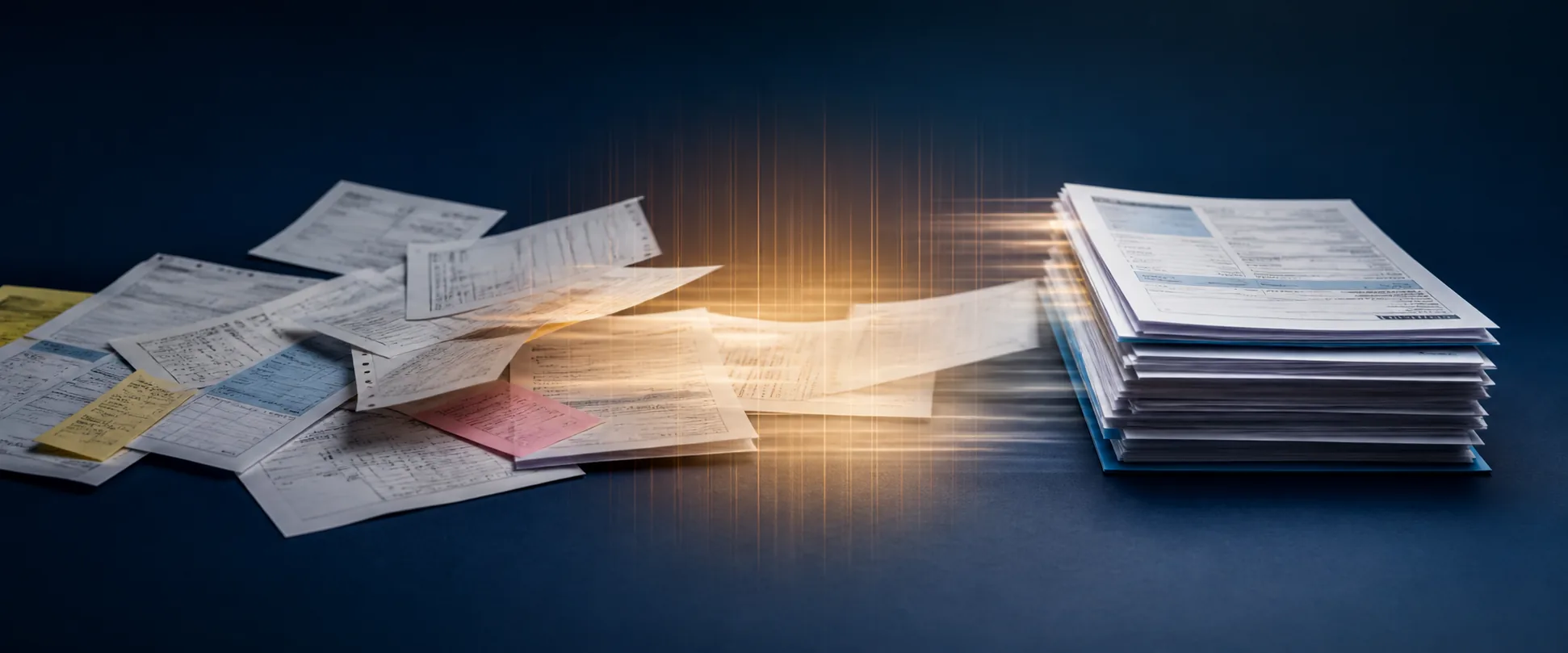
Drop in your documents. CapturePoint does the rest.
It understands every document, pulls out the data and files it into your system, with no setup. And it teaches itself as it works.
No sign-up. Download it and start using it today.
- Runs on your own PC
- Sets itself up from your samples
- Learns from your corrections
Local AI
Cutting-edge AI. No data center required.
CapturePoint 6 puts a complete document AI on the Windows PC next to your scanner. It is the most accurate document AI we have ever measured, and it does all of its reading right there, without sending a page out to be read.
The AI comes to you
A one-time download installs the full document AI on your PC. Every page is read and understood right there, not sent to a cloud service to be read.
Fast on the PC you have
It runs with or without a graphics card. Add one and Speed boost switches on by itself. It measures your machine and tunes itself to it.
No per-page AI bill
One flat price per PC with unlimited scanning. Run ten pages or ten thousand, and the price stays the same.
Smarter every day
It learns from every correction you confirm. The longer it runs, the more it takes care of on its own.
Windows 10 or 11, 64-bit. A graphics card is optional.
No setup. It figures out your documents.
Point it at a folder. It works out every kind of document you have and what to pull from each one, all by itself. No templates, no zones, no consultants.

Reads every page

Decodes barcodes

Splits the stack into documents

Sorts them by type
Every field. Every line item.
Names, dates, totals, account numbers and full line-item tables, read for you. CapturePoint checks line-item calculations and flags detected inconsistencies for review.
It teaches itself.
CapturePoint learns from every document it handles. The longer it runs, the more it takes care of on its own, and the less your team has to touch.
Sends it where you work
Your documents land right where your team already looks.
Reading happens on your PC. Every finished document is then named and filed as a searchable PDF in your own folders or Content Central, and can also go to SharePoint or OneDrive, Google Drive, Dropbox or Nucleus One.
 SharePoint and OneDrive
 Google Drive
 Dropbox
- Your own folders
SharePoint and OneDrive need a Microsoft 365 work or school account. Need another system? Tell us where your documents need to go.
Read on your PC, not in a cloud.
CapturePoint reads and extracts every page on the Windows PC next to your scanner, instead of sending it to a cloud service for recognition. Finished documents go only to the destinations you set up.
- Works with the scanner you already have
- Or just drop in PDFs and images
- Runs on Windows 10 or 11

See it work in one click.
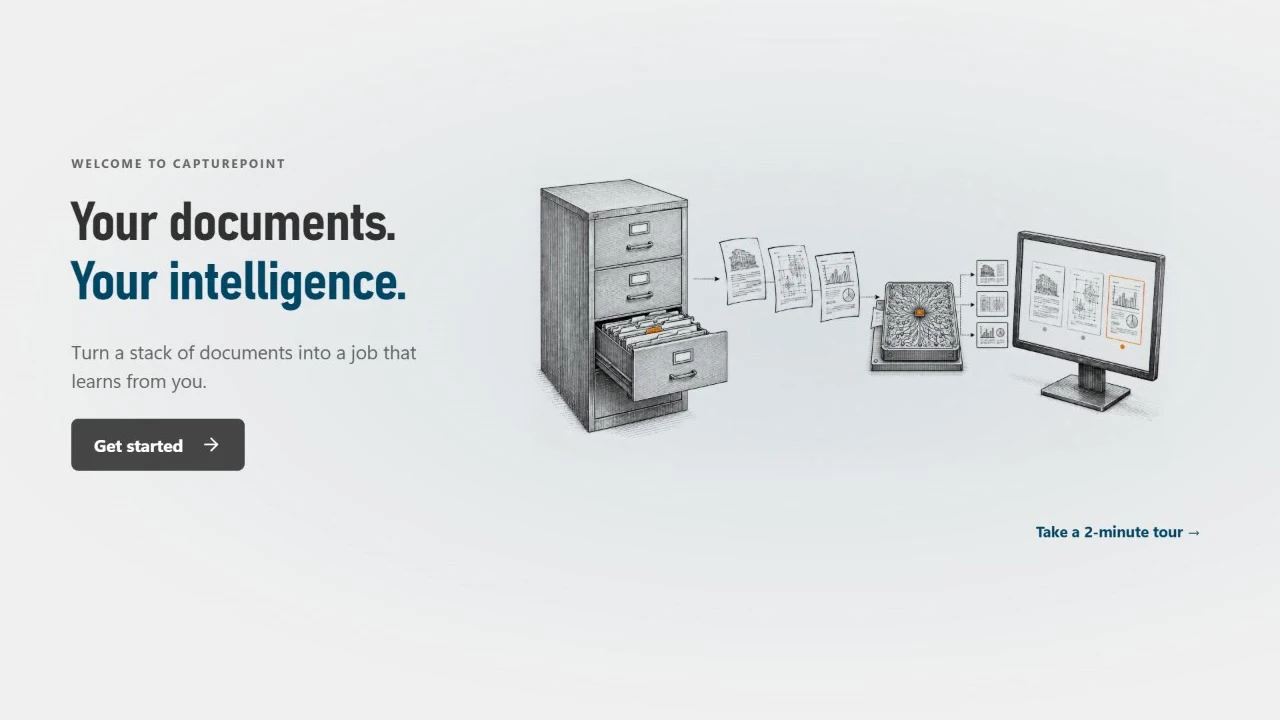
Take the 2-minute tour from the welcome screen and watch it handle five sample documents. No setup, no scanner needed.
Simple to buy, per PC.
Priced per scanning station, with unlimited scanning. Try it free first, then pick the plan that fits.
- Unlimited scanning, no per-page fees
- Every feature included
- Pay by card, or ask for an invoice
Windows 10 or 11 (64-bit). Working with a partner? Enter their partner code at checkout.
Already use CapturePoint?
CapturePoint 6 is rebuilt from the ground up around AI. With active maintenance and support, the upgrade is included at no extra cost, and your existing jobs come with you.
CapturePoint questions
Setting it up or using it day to day? The how-to library walks through every step.
How-to guidesWhat is CapturePoint?
CapturePoint by Ademero is document capture software for Windows. It works out what each document is, splits scanned stacks into separate documents, and pulls out the fields and line items. Its AI, Cortexa AI, learns from every correction your team makes.
What does "it learns" actually mean?
CapturePoint teaches itself from the documents it processes. The more it sees, the more it handles on its own, so over time there’s less and less for your team to touch.
Can it get worse by learning the wrong thing?
No. It only keeps what makes it more accurate on your own documents. You can see what it learned, and you can send any automatic decision back for a person to check.
Do I have to build templates or draw zones?
No. Give it a folder of sample documents and it works out the document types, fields and tables by itself. You can still adjust anything, or set up a job by hand if you prefer.
How accurate is it?
CapturePoint’s accuracy is industry-leading, and we measure it rather than claim it. It also knows when it isn’t sure. Anything below the confidence level you set waits for a person, with the reason shown.
Where are my documents processed?
CapturePoint reads and extracts your documents locally on your Windows PC, rather than sending them to a cloud service for recognition. If you set up a cloud export destination, it sends finished documents to the service you choose.
Do I need a graphics card?
No. CapturePoint runs on Windows computers without one. A supported graphics card makes it faster (the Speed boost), and CapturePoint measures and tunes itself to your machine. The optional Auto + AI review mode needs a supported graphics card with 12 GB or more.
What do I need to run it?
A Windows 10 or Windows 11 (64-bit) PC. A graphics card is optional. The installer is about 367 MB, and on first run CapturePoint downloads its components once (about 6 GB). Updates install themselves in the background.
What scanners and files does it support?
TWAIN scanners, plus PDF, TIFF, JPEG, PNG, BMP and GIF files. A built-in demo scanner lets you try a full scan without hardware.
Where do documents go when they’re done?
To a folder, with automatic folder and file naming, where each document can arrive as a searchable PDF (optionally archive-grade PDF/A), a data file with every captured value and a text file; or to Ademero Content Central. A job can also send each finished PDF, with its values embedded, to SharePoint or OneDrive (Microsoft 365 work or school accounts), Google Drive, Dropbox or Nucleus One.
Can I try it first?
Yes. Download the free trial and start using it right away. No sign-up and no credit card. Take the 2-minute tour from the welcome screen to see it work on five sample accounts payable documents. Need more time? Just ask.
How much does it cost?
Priced per scanning station, with unlimited scanning. No per-page or per-click fees, and every feature is included. Pay by card, or choose "Bill us instead" to get an invoice. For pricing on your number of stations, ask on our pricing page or book a free live demo.
Can I buy through a partner?
Yes. If a partner helped you, enter their partner code at checkout so the sale is credited to them.
We use an earlier version of CapturePoint. Can we bring our jobs?
Yes, and if you have active maintenance and support, CapturePoint 6 is included at no extra cost. It is a ground-up, AI-first rebuild of CapturePoint, and it can import your existing jobs.
Free live demo
Want us to run your documents through it?
Book a free demo and we will show you around, answer your questions and run your real paperwork through it. No cost, no pressure.
- A live tour of the products that fit your work
- Your own documents, set up and shown working
- Your workflow and process, mapped with you
- Straight answers from people who build it
Watch it handle your documents.
Download the free trial, take the 2-minute tour, then point it at a folder of your own.
Sell CapturePoint 6 to your own customers? See the partner program