AI or rules? Split the work step by step
Rules are perfect when the input is predictable. AI earns its keep when it is not. Most document processes have both halves, and the trick is knowing where one ends and the other begins.
Ademero Team5 min read

“Should we use AI for this?” is the wrong question for most processes. The better one is: which steps get the same input every time, and which ones do not? Rules handle the first kind cheaply and predictably. AI handles the second kind, where nobody could write all the rules in advance. This guide shows how to split a process between them, using one mailroom as the example.
The difference in one table
| Rules | AI | |
|---|---|---|
| How it decides | If this, then that, exactly as written | From patterns learned from examples |
| Input it needs | Structured and consistent: a field, a date, an amount | Messy and varied: scanned pages, many layouts, free text |
| When it is wrong | A rule was missing or out of date | It was unsure or misread; good tools say so |
| How it changes | Someone edits the rule | It learns from corrections |
| Can you explain a result? | Always: the rule fired | Show the reason and the source on the page |
Worked example: a claims mailroom
An insurance agency receives a daily stack: claim forms, police reports, repair estimates, medical bills and letters, mixed together, some faxed, some photographed on a phone. Here is every step, and which tool should do it.
| Step | Rules or AI? | Why |
|---|---|---|
| Split the stack into separate documents | AI | Documents are different lengths; no fixed page count works |
| Recognize each document type | AI | Every repair shop’s estimate looks different |
| Read claim number, names, dates, amounts | AI | The values sit in a different place on every layout |
| Check that line items add up to the total | Rules | Arithmetic does not need judgment |
| Send unsure documents to a person, with the reason | Both | AI knows when it is unsure; a rule decides where those go |
| File to the claim and name the file | Rules | Claim number in, folder and name out |
| Decide who handles a free-form letter, from what it says | AI | No field says what a letter is about; someone has to read it |
| Look up the policy and fill in what the form left blank | Both | AI finds the right record; a rule decides which fields it may fill |
| Route estimates over a set amount to a senior adjuster | Rules | A threshold is a rule |
| Remind the adjuster if nothing happens in 3 days | Rules | A timer is a rule |
| Keep the file for the retention period, then dispose of it | Rules | A schedule is a rule |
Notice the shape: AI wherever a step takes reading or judgment, and rules wherever the step fits on an index card. Most of the AI work sits at the front, where documents arrive in every form, but not all of it: deciding what a letter is about or finding the right record later in the process is AI work too.
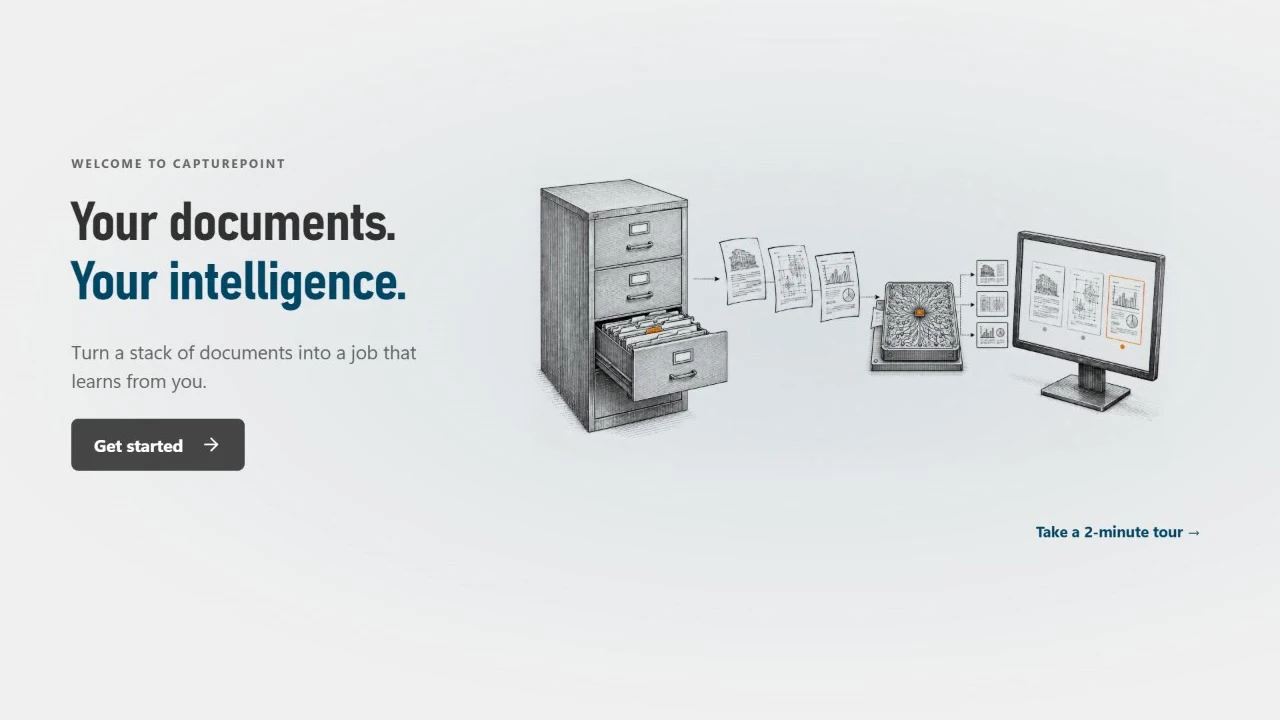
In Ademero terms, CapturePoint 6 does the front half on a Windows PC: it splits the stack, recognizes each type, reads the fields and tables, checks line-item math, and shows anything it is unsure of for review with the reason. It learns from what people confirm and correct, so similar documents need less checking over time. A 2-minute tour on sample documents lets you try it first. Workflow in Content Central runs the rules: routing by amount, deadlines and escalation, filing, retention and the audit trail. Connected to the Cortexa AI suite, our private AI platform, AI also works inside that workflow: deciding where a document goes, looking up and filling in data, and moving information between your systems.
A test for any process
Ask these about each step, not the process as a whole:
- Could you write the rule on an index card? If yes, use a rule.
- Does the input arrive in a predictable format? A field in a system, yes. A scanned page, no.
- Would a new employee need examples rather than instructions? That is a sign for AI.
- What happens when it is wrong? If a mistake is costly, make sure a person sees anything the AI is unsure of.
Where each one breaks
Rules break on variety
Template-based capture reads invoices from vendors whose layout you have mapped. A new vendor, or an old one with a redesigned invoice, falls through until someone builds another template. Teams that start with templates often end up maintaining hundreds of them.
AI breaks on silence
An AI that guesses without saying how sure it is will put wrong values into your systems quietly. Before you buy, check that the tool shows its confidence, sends unsure items to a person, and shows where on the page each value came from. See our intelligent document processing guide for a full checklist.
Cost, honestly
Rules are cheaper to start and cost more to maintain as variety grows: every exception is someone’s time. Document AI costs more to evaluate and to pilot properly, and then removes most of the template building and keying. The deciding number in a pilot is the share of documents a person still has to look at, and whether it falls as the software learns.
Getting started
- List the steps of one document process, as in the mailroom table.
- Mark each step rules or AI using the four questions.
- Automate the rules first if your documents already arrive as structured data. If they arrive as paper or PDFs, start at the front with capture.
- Pilot on two weeks of real documents and measure the review share.
For the rules half in depth, read our document workflow automation guide. For planning the AI half, see the AI implementation guide.